Category
Built by
Agentic Workflows
Inventory Check
Inventory Check uses agents to validate inputs, execute steps, escalate exceptions for human review, and record results in systems.
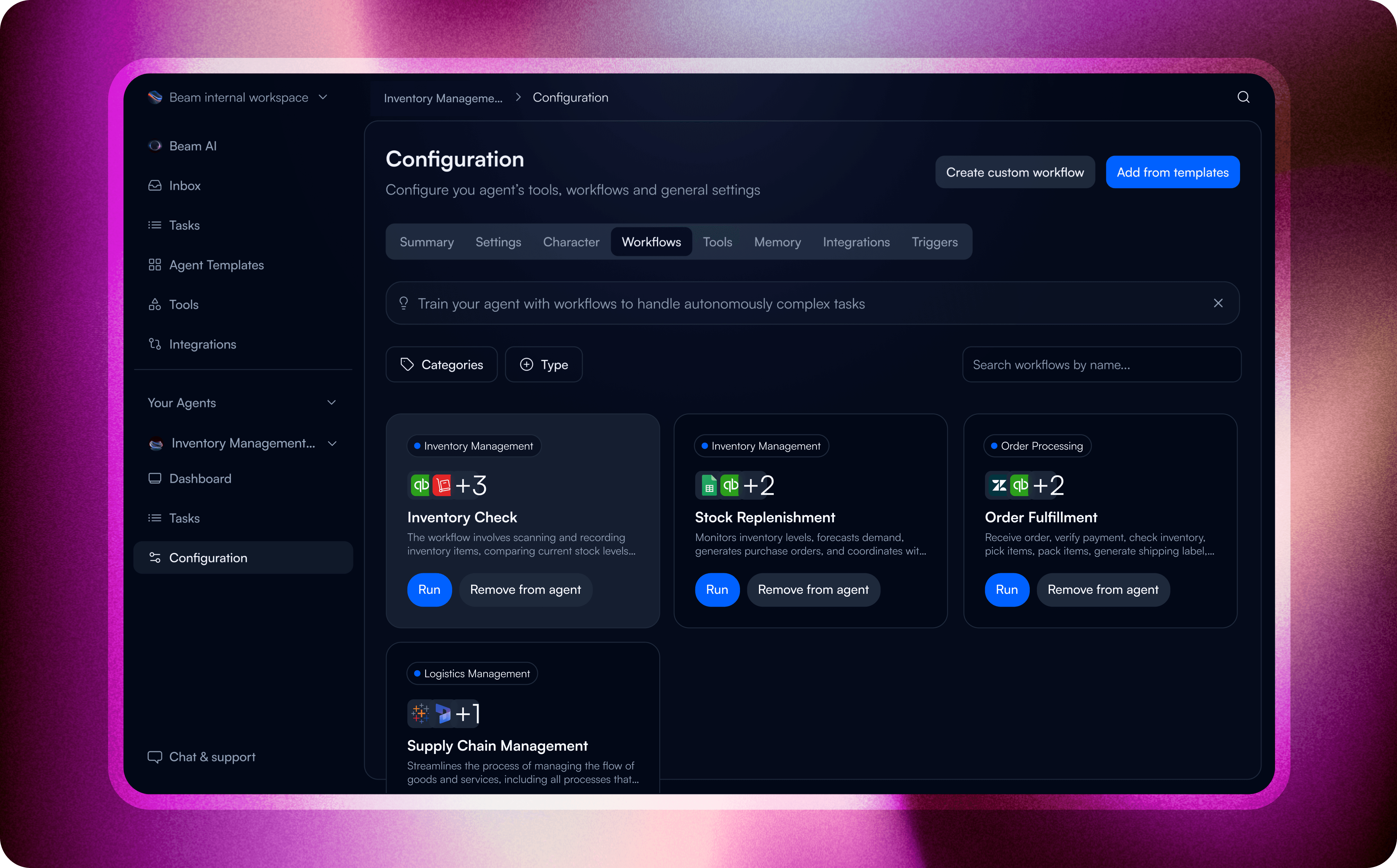

The inventory check workflow automates the process of tracking and managing stock levels, leveraging AI agents to identify discrepancies and provide timely updates. This ensures accurate records and supports efficient stock management by generating actionable insights for restocking and optimization.
By incorporating AI agents to automate inventory check, businesses can minimize manual errors, maintain optimal stock levels, and improve operational efficiency. This workflow is particularly valuable for industries like retail, manufacturing, and logistics, where up-to-date inventory data is critical.
Effective inventory management is crucial for ensuring smooth operations and customer satisfaction. Automating this workflow allows businesses to manage stock levels proactively and accurately.
Here are some use cases where this workflow can be applied:
Inventory Check is managed as a bounded inventory & catalog management process. It begins with an approved request and ends only after the result, status, exceptions, and required follow-up are recorded by the responsible product owner.
Trigger
Inventory Check starts when the product owner receives a qualifying request or record. It proceeds after the data and access needed to scan and count current stock levels are available.
How it works



Inputs and connected systems
Required inputs include the source request or record, the fields and documents needed to scan and count current stock levels, reference data for later validation, and approved access to each destination system.
Human decisions and exceptions
The Product owner reviews missing information, policy exceptions, low-confidence results, and actions that change the final inventory & catalog management outcome. Approved cases continue; rejected cases return for correction or manual handling.
Controls and audit considerations
Inventory Check should use least-privilege access, required-field validation, auditable decision and write logs, and a stop condition when data is missing or confidence is below the approved threshold. The process owner defines retry, escalation, privacy, and rollback rules before release.
Outputs and stopping point
The workflow ends after the final approved action: Update the inventory system with the validated stock count. It writes the validated result to the approved system of record, records the outcome, and notifies the responsible owner when follow-up is required.
Participating Beam agents


Related workflows
Explore workflows that share this process, function, agent, or industry.