Integrations
Connect Beam Agents to All Your Enterprise Systems
Beam agents access thousands of actions across enterprise systems through integrations. Skills wrap integration actions into capability packages. Assign a \

Integrations
Connect Beam Agents to All Your Enterprise Systems
Beam agents access thousands of actions across enterprise systems through integrations. Skills wrap integration actions into capability packages. Assign a \
Integrations
Connect Beam Agents to All Your Enterprise Systems
Beam agents access thousands of actions across enterprise systems through integrations. Skills wrap integration actions into capability packages. Assign a \
Integrations
Connect all your enterprise systems
Beam agents discover and use integration actions through skills. Skills wrap actions into capability packages, enabling agents to work with thousands of actions across enterprise systems without system-specific configuration.

Integrations
Connect all your enterprise systems
Beam agents discover and use integration actions through skills. Skills wrap actions into capability packages, enabling agents to work with thousands of actions across enterprise systems without system-specific configuration.
Integrations
Connect all your enterprise systems
Beam agents discover and use integration actions through skills. Skills wrap actions into capability packages, enabling agents to work with thousands of actions across enterprise systems without system-specific configuration.
Native enterprise connectors
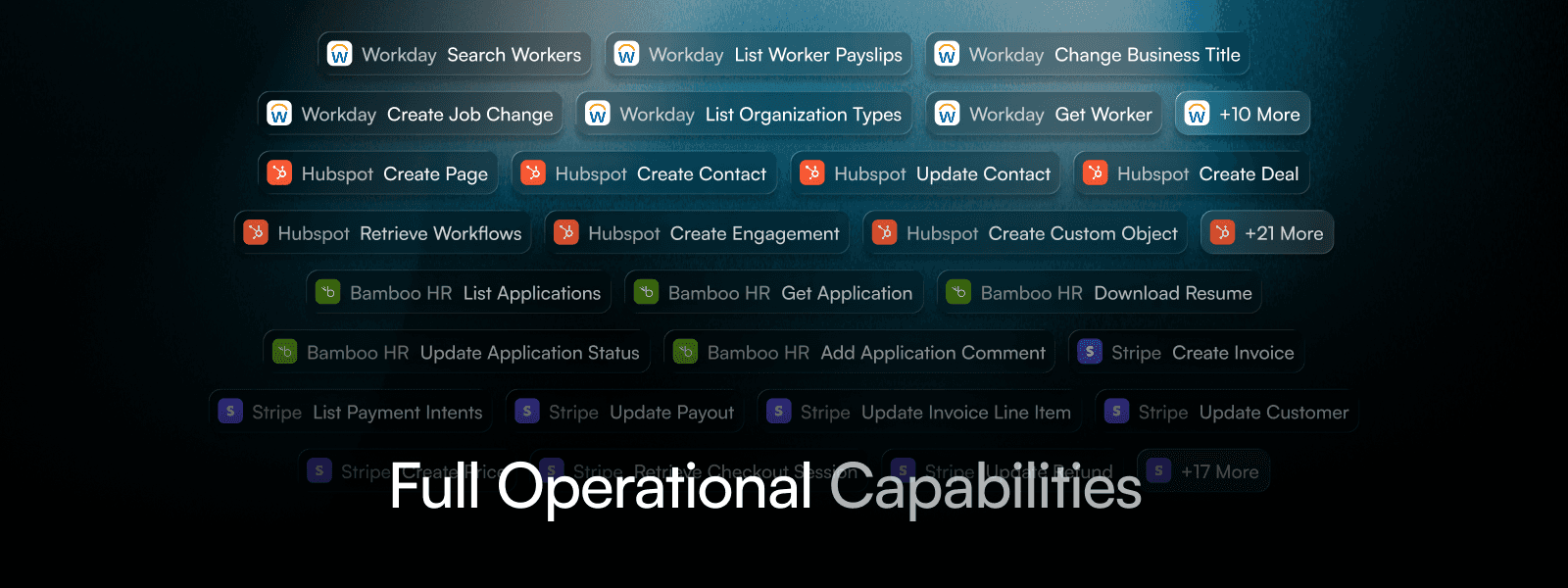
Beam provides native connectors for major enterprise systems including SAP (ECC, S/4HANA), Oracle ERP, Workday, ServiceNow, Microsoft 365, Salesforce, Google Workspace, Slack, and others. Each connector exposes multiple actions. Workday provides employee lookup, payroll retrieval, and benefit update actions. SAP provides invoice creation, payment processing, and purchase order actions. Skills wrap these actions so agents access them through capability packages rather than system-specific configurations. Most connectors require no custom development. Connect, configure authentication, and agents start using actions immediately.
Native enterprise connectors
Beam provides native connectors for major enterprise systems including SAP (ECC, S/4HANA), Oracle ERP, Workday, ServiceNow, Microsoft 365, Salesforce, Google Workspace, Slack, and others. Each connector exposes multiple actions. Workday provides employee lookup, payroll retrieval, and benefit update actions. SAP provides invoice creation, payment processing, and purchase order actions. Skills wrap these actions so agents access them through capability packages rather than system-specific configurations. Most connectors require no custom development. Connect, configure authentication, and agents start using actions immediately.
Native enterprise connectors
Beam provides native connectors for major enterprise systems including SAP (ECC, S/4HANA), Oracle ERP, Workday, ServiceNow, Microsoft 365, Salesforce, Google Workspace, Slack, and others. Each connector exposes multiple actions. Workday provides employee lookup, payroll retrieval, and benefit update actions. SAP provides invoice creation, payment processing, and purchase order actions. Skills wrap these actions so agents access them through capability packages rather than system-specific configurations. Most connectors require no custom development. Connect, configure authentication, and agents start using actions immediately.
Native enterprise connectors
Pre-built actions ready
Wrap actions into skills


Custom integrations via OpenAPI
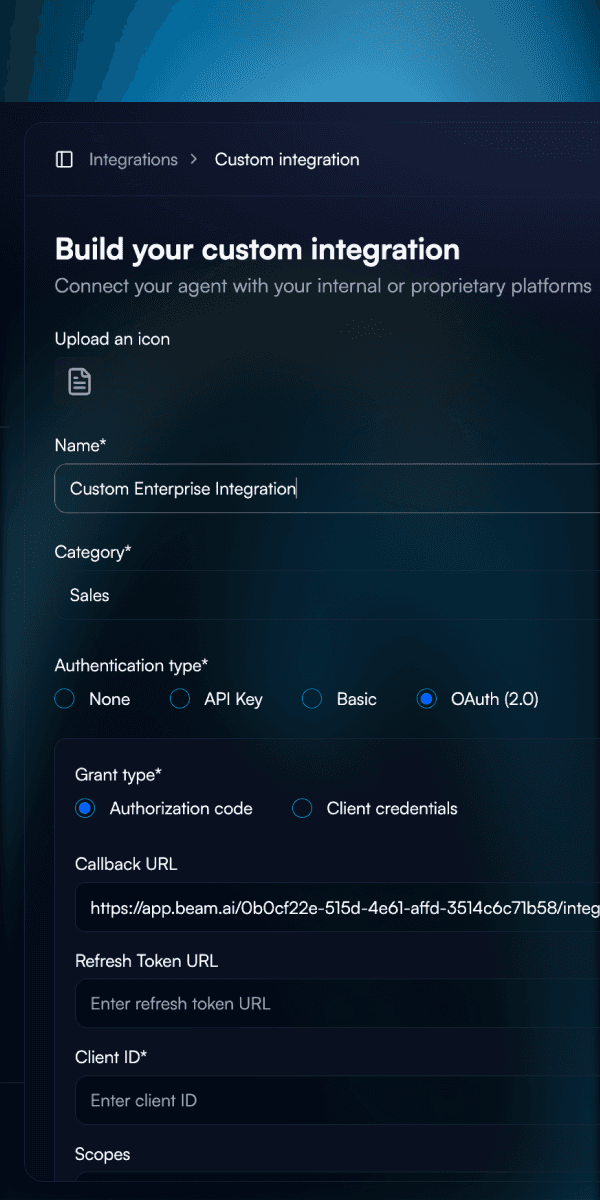
Connect custom systems and internal APIs by uploading OpenAPI 3.0 specifications. Beam extracts available endpoints from the OpenAPI spec and normalizes them into actions that can be wrapped into skills. For most enterprise clients, custom integrations represent about 80% of their integration needs—internal APIs, legacy systems, and proprietary tools.
Custom integrations via OpenAPI
Connect custom systems and internal APIs by uploading OpenAPI 3.0 specifications. Beam extracts available endpoints from the OpenAPI spec and normalizes them into actions that can be wrapped into skills. For most enterprise clients, custom integrations represent about 80% of their integration needs—internal APIs, legacy systems, and proprietary tools.
Custom integrations via OpenAPI
Connect custom systems and internal APIs by uploading OpenAPI 3.0 specifications. Beam extracts available endpoints from the OpenAPI spec and normalizes them into actions that can be wrapped into skills. For most enterprise clients, custom integrations represent about 80% of their integration needs—internal APIs, legacy systems, and proprietary tools.
Upload OpenAPI specs
Automatic action extraction
Works like native actions


Automatic authentication
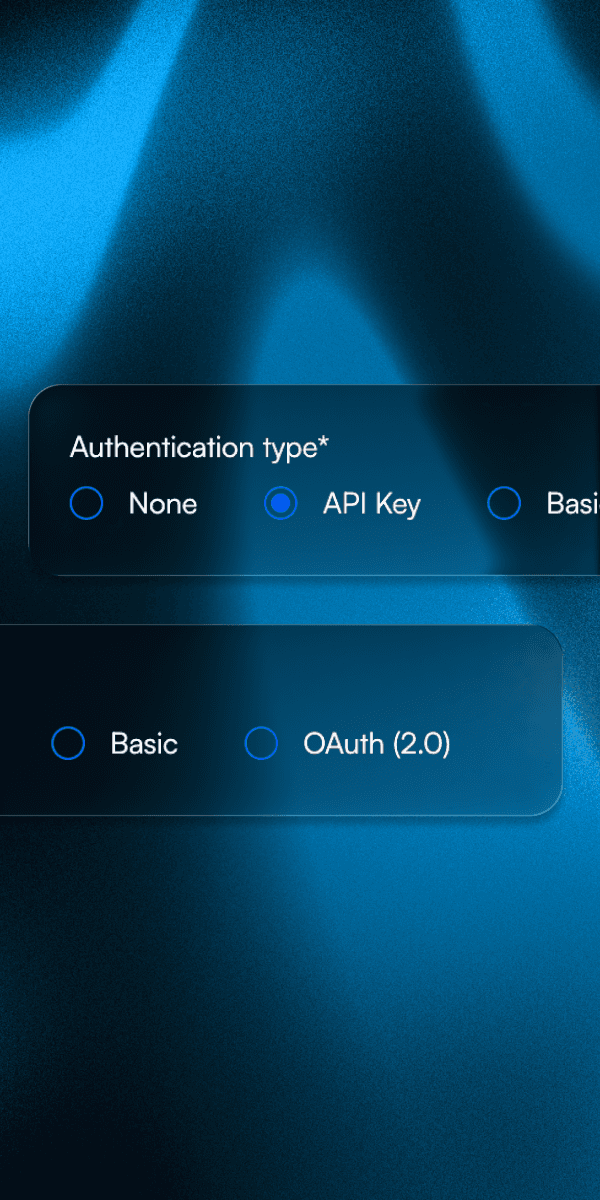
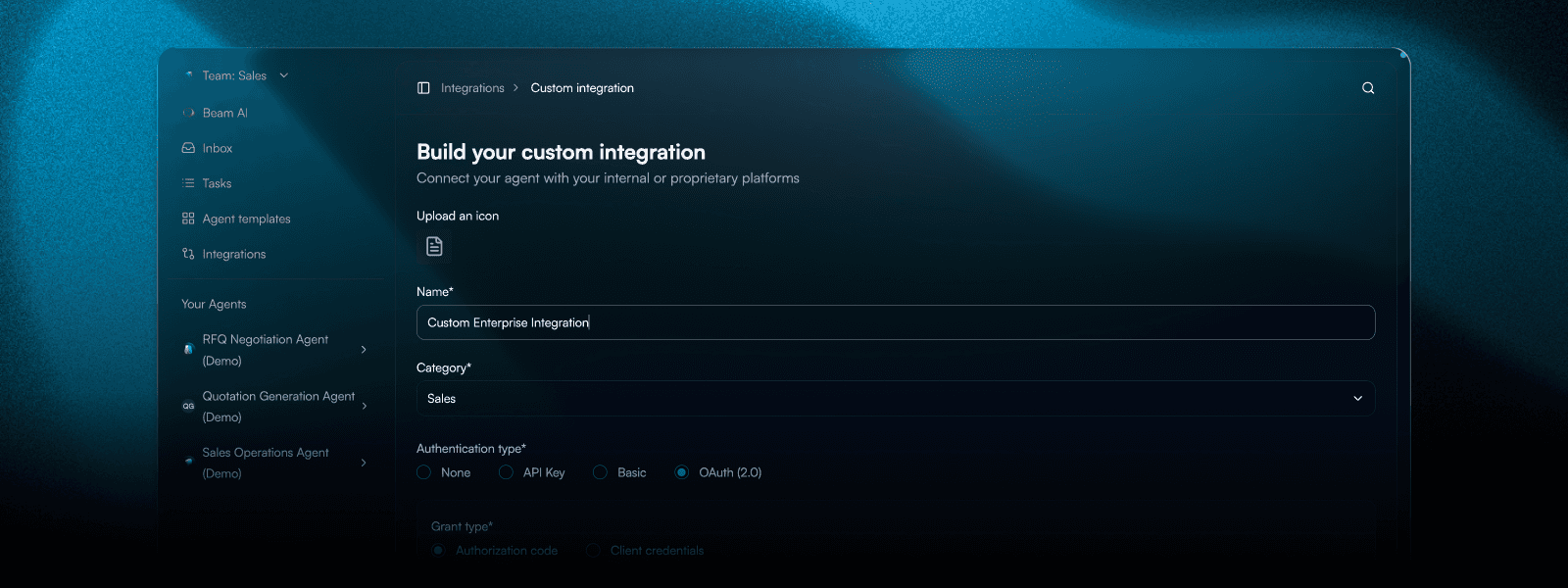
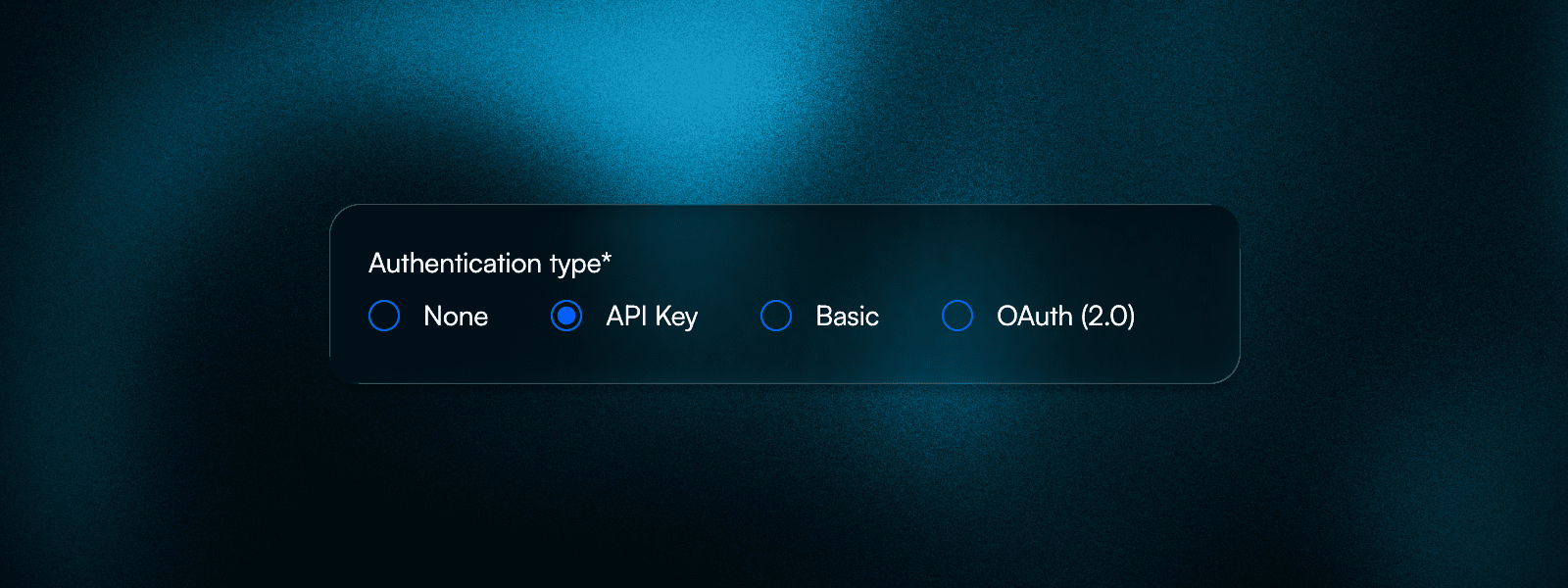
Integrations authenticate using credentials configured once per connection. Supports OAuth 2.0 with automatic token refresh, API keys for service accounts, SAML for enterprise SSO, and basic authentication for legacy systems. When an agent executes an action, it uses the stored credentials automatically—no credential passing in workflows, no token management in agent code.
Automatic authentication
Integrations authenticate using credentials configured once per connection. Supports OAuth 2.0 with automatic token refresh, API keys for service accounts, SAML for enterprise SSO, and basic authentication for legacy systems. When an agent executes an action, it uses the stored credentials automatically—no credential passing in workflows, no token management in agent code.
Automatic authentication
Integrations authenticate using credentials configured once per connection. Supports OAuth 2.0 with automatic token refresh, API keys for service accounts, SAML for enterprise SSO, and basic authentication for legacy systems. When an agent executes an action, it uses the stored credentials automatically—no credential passing in workflows, no token management in agent code.
OAuth with auto refresh
API keys and SAML
Secure credential storage


Browser-based actions
Browser automation is available for systems that don't provide API access, but it's less reliable than API-based integrations. Browser actions simulate user interactions (clicks, form fills, navigation) which makes them fragile. They break when websites change layouts, add new popups, or update their UI. For enterprise systems, API-based integrations (native connectors or OpenAPI) are strongly recommended because they're more stable, faster, and handle errors better. Use browser-based actions only when API access isn't available and accept that they may require more maintenance and have lower reliability.
Browser-based actions
Browser automation is available for systems that don't provide API access, but it's less reliable than API-based integrations. Browser actions simulate user interactions (clicks, form fills, navigation) which makes them fragile. They break when websites change layouts, add new popups, or update their UI. For enterprise systems, API-based integrations (native connectors or OpenAPI) are strongly recommended because they're more stable, faster, and handle errors better. Use browser-based actions only when API access isn't available and accept that they may require more maintenance and have lower reliability.
Browser-based actions
Browser automation is available for systems that don't provide API access, but it's less reliable than API-based integrations. Browser actions simulate user interactions (clicks, form fills, navigation) which makes them fragile. They break when websites change layouts, add new popups, or update their UI. For enterprise systems, API-based integrations (native connectors or OpenAPI) are strongly recommended because they're more stable, faster, and handle errors better. Use browser-based actions only when API access isn't available and accept that they may require more maintenance and have lower reliability.
Browser automation available
Not recommended for production
Use only when no API exists


Action execution architecture
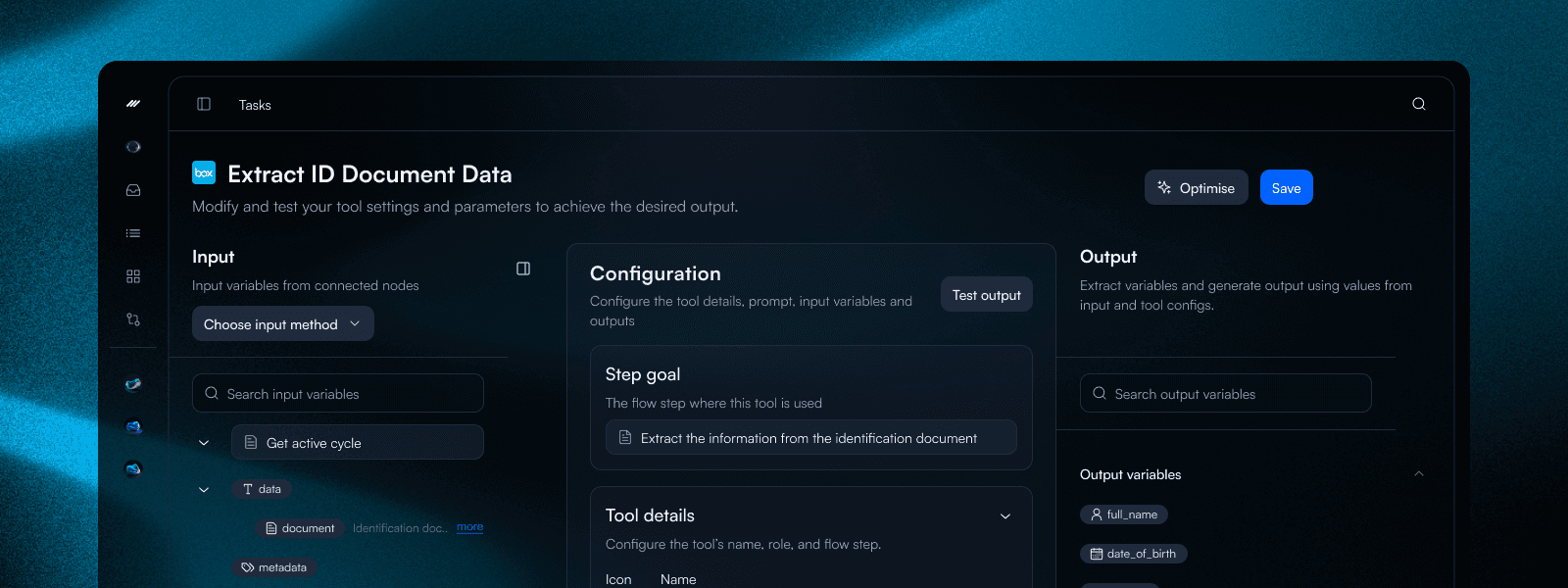
Actions are parameterized functions that agents call directly. When an invoice agent uses \
Action execution architecture
Actions are parameterized functions that agents call directly. When an invoice agent uses \
Action execution architecture
Actions are parameterized functions that agents call directly. When an invoice agent uses \
Function-based interface
Auto parameter validation
Error handling built-in


MCP protocol support
Beam agents support MCP (Model Context Protocol) for standardized agent-to-agent communication. Agents can use MCPs in chat interactions, enabling conversational agent collaboration, and within workflow nodes for programmatic agent communication. Beam also exposes an MCP server, allowing external platforms (like IBM WatsonX Orchestrate) to call Beam agents as tools. This means Beam agents can be invoked from any MCP-compatible platform. Your agents become accessible across your entire agent ecosystem. MCP provides a standardized way for agents to exchange context, tools, and capabilities, making multi-agent workflows more reliable across different platforms.
MCP protocol support
Beam agents support MCP (Model Context Protocol) for standardized agent-to-agent communication. Agents can use MCPs in chat interactions, enabling conversational agent collaboration, and within workflow nodes for programmatic agent communication. Beam also exposes an MCP server, allowing external platforms (like IBM WatsonX Orchestrate) to call Beam agents as tools. This means Beam agents can be invoked from any MCP-compatible platform. Your agents become accessible across your entire agent ecosystem. MCP provides a standardized way for agents to exchange context, tools, and capabilities, making multi-agent workflows more reliable across different platforms.
MCP protocol support
Beam agents support MCP (Model Context Protocol) for standardized agent-to-agent communication. Agents can use MCPs in chat interactions, enabling conversational agent collaboration, and within workflow nodes for programmatic agent communication. Beam also exposes an MCP server, allowing external platforms (like IBM WatsonX Orchestrate) to call Beam agents as tools. This means Beam agents can be invoked from any MCP-compatible platform. Your agents become accessible across your entire agent ecosystem. MCP provides a standardized way for agents to exchange context, tools, and capabilities, making multi-agent workflows more reliable across different platforms.
MCP protocol support
Beam exposes MCP server for external platforms
Agent-to-agent communication


Skills as Action Wrappers
Skills wrap integration actions into reusable capability packages—similar to how Claude uses MCP skills to expose tools. A Payment Processing skill might wrap SAP's create_payment, Oracle's submit_invoice, and Workday's approve_expense actions. Assign the skill to an agent and it gains access to all wrapped actions without needing to know which systems provide them. Skills abstract the integration layer: you define what an agent can do (payment processing), and the skill determines which specific actions are available. When you add new integrations, existing skills can wrap their actions and agents automatically gain new capabilities.
Skills as Action Wrappers
Skills wrap integration actions into reusable capability packages—similar to how Claude uses MCP skills to expose tools. A Payment Processing skill might wrap SAP's create_payment, Oracle's submit_invoice, and Workday's approve_expense actions. Assign the skill to an agent and it gains access to all wrapped actions without needing to know which systems provide them. Skills abstract the integration layer: you define what an agent can do (payment processing), and the skill determines which specific actions are available. When you add new integrations, existing skills can wrap their actions and agents automatically gain new capabilities.
Skills as Action Wrappers
Skills wrap integration actions into reusable capability packages—similar to how Claude uses MCP skills to expose tools. A Payment Processing skill might wrap SAP's create_payment, Oracle's submit_invoice, and Workday's approve_expense actions. Assign the skill to an agent and it gains access to all wrapped actions without needing to know which systems provide them. Skills abstract the integration layer: you define what an agent can do (payment processing), and the skill determines which specific actions are available. When you add new integrations, existing skills can wrap their actions and agents automatically gain new capabilities.
Skills wrap actions
Assign skills to agents
Integration-agnostic access



Integration-level security
RBAC is handled at the integration level via OAuth tokens, not in the Beam platform. When a user connects an integration, their OAuth token determines what permissions are available. If an agent tries to access data the token doesn't permit, the external system returns a Forbidden error—the same error that user would see accessing that system directly.
Integration-level security
RBAC is handled at the integration level via OAuth tokens, not in the Beam platform. When a user connects an integration, their OAuth token determines what permissions are available. If an agent tries to access data the token doesn't permit, the external system returns a Forbidden error—the same error that user would see accessing that system directly.
Integration-level security
RBAC is handled at the integration level via OAuth tokens, not in the Beam platform. When a user connects an integration, their OAuth token determines what permissions are available. If an agent tries to access data the token doesn't permit, the external system returns a Forbidden error—the same error that user would see accessing that system directly.
OAuth-based RBAC
External permission control
Azure AD integration
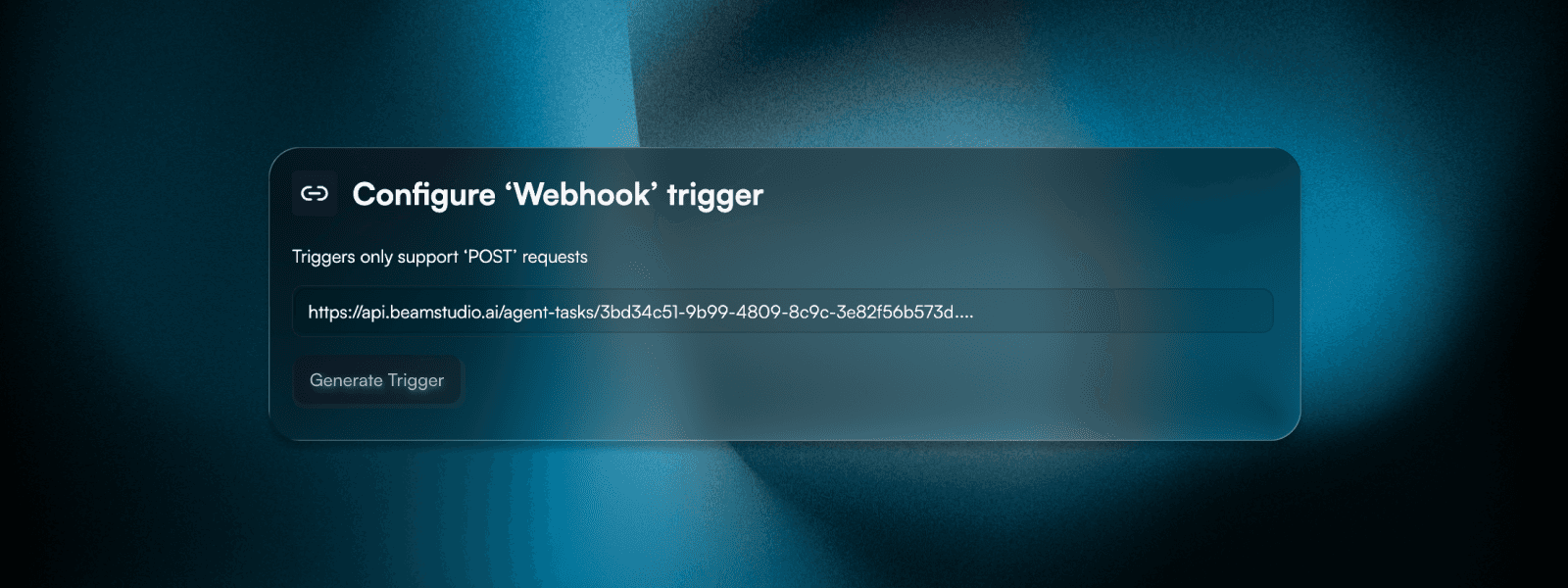


Triggers for automatic agent starts
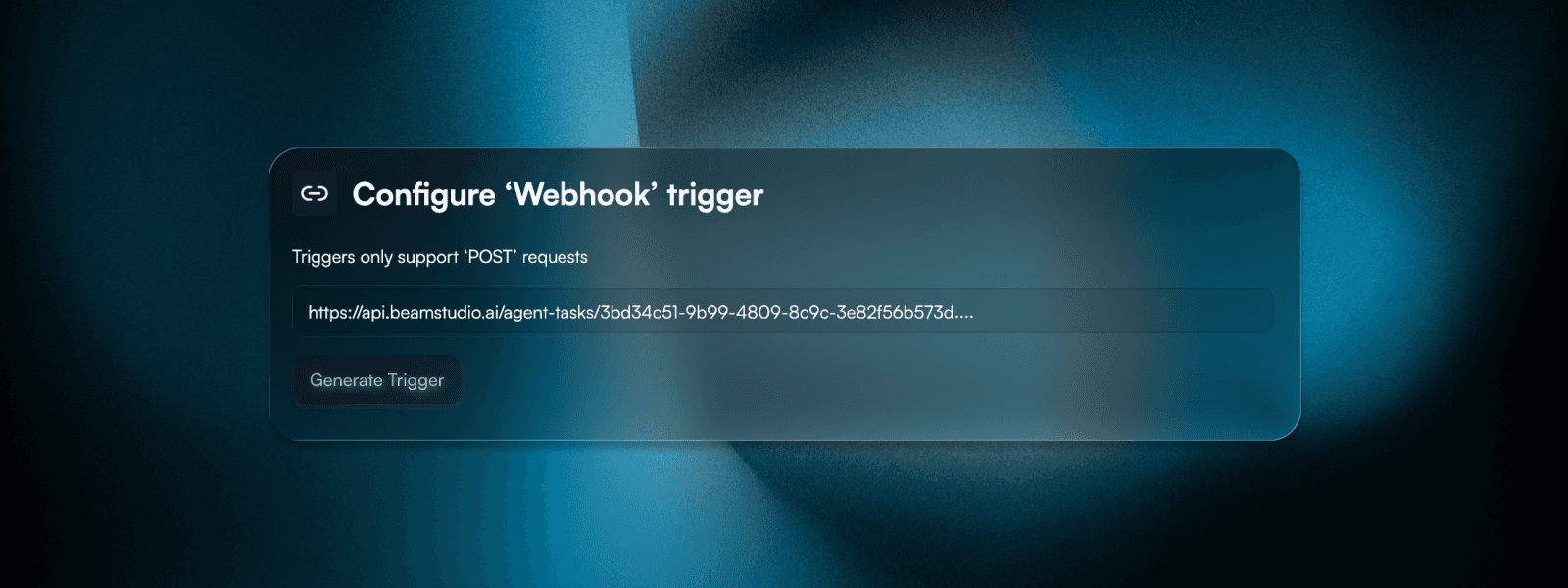
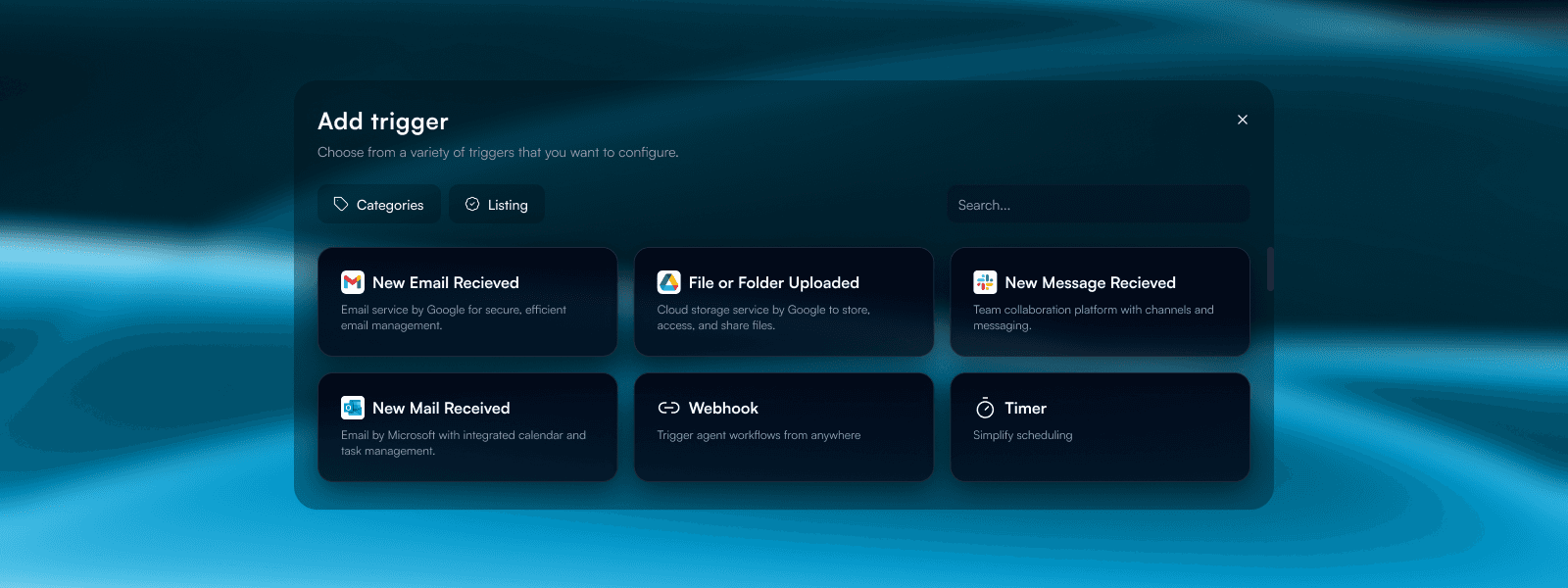
Agents don't just respond to API calls. They can be triggered automatically by external events. Webhook triggers receive events from any system that can send HTTP requests. Email triggers listen to inboxes and start agents when emails arrive. Integration triggers watch for changes in connected systems. New files in Google Drive, updates in Salesforce, messages in Slack. Each integration exposes its own trigger events. Combine triggers with scheduled runs for complete automation: \
Triggers for automatic agent starts
Agents don't just respond to API calls. They can be triggered automatically by external events. Webhook triggers receive events from any system that can send HTTP requests. Email triggers listen to inboxes and start agents when emails arrive. Integration triggers watch for changes in connected systems. New files in Google Drive, updates in Salesforce, messages in Slack. Each integration exposes its own trigger events. Combine triggers with scheduled runs for complete automation: \
Triggers for automatic agent starts
Agents don't just respond to API calls. They can be triggered automatically by external events. Webhook triggers receive events from any system that can send HTTP requests. Email triggers listen to inboxes and start agents when emails arrive. Integration triggers watch for changes in connected systems. New files in Google Drive, updates in Salesforce, messages in Slack. Each integration exposes its own trigger events. Combine triggers with scheduled runs for complete automation: \
Webhook triggers for any HTTP event
Email triggers (inbox listeners)
Integration triggers (Google Drive, Slack, etc.)


Start Today
Start building custom AI agents to automate processes
Join our platform and start building AI agents for various types of automations.
Start Today
Start building custom AI agents to automate processes
Join our platform and start building AI agents for various types of automations.