
Agent Studio
Build Production-Ready AI Agents In Hours, Not Months
Visual agent builder for business users and developers. Start from templates and deploy in minutes. Build custom workflows with drag-and-drop. Test with real data before going live. Debug failures in seconds. Optimize accuracy with AI. One interface for the full lifecycle. Build, test, deploy, monitor, improve. Ship agents that actually work in production, not prototypes that demo well.

Agent Studio
Everything you need to build production-ready agents
Three paths to production. Visual flow builder. 1500+ integrations. Template library. Test environment. Debug tools. Learning Hub. One-click publish. One interface for the full lifecycle.
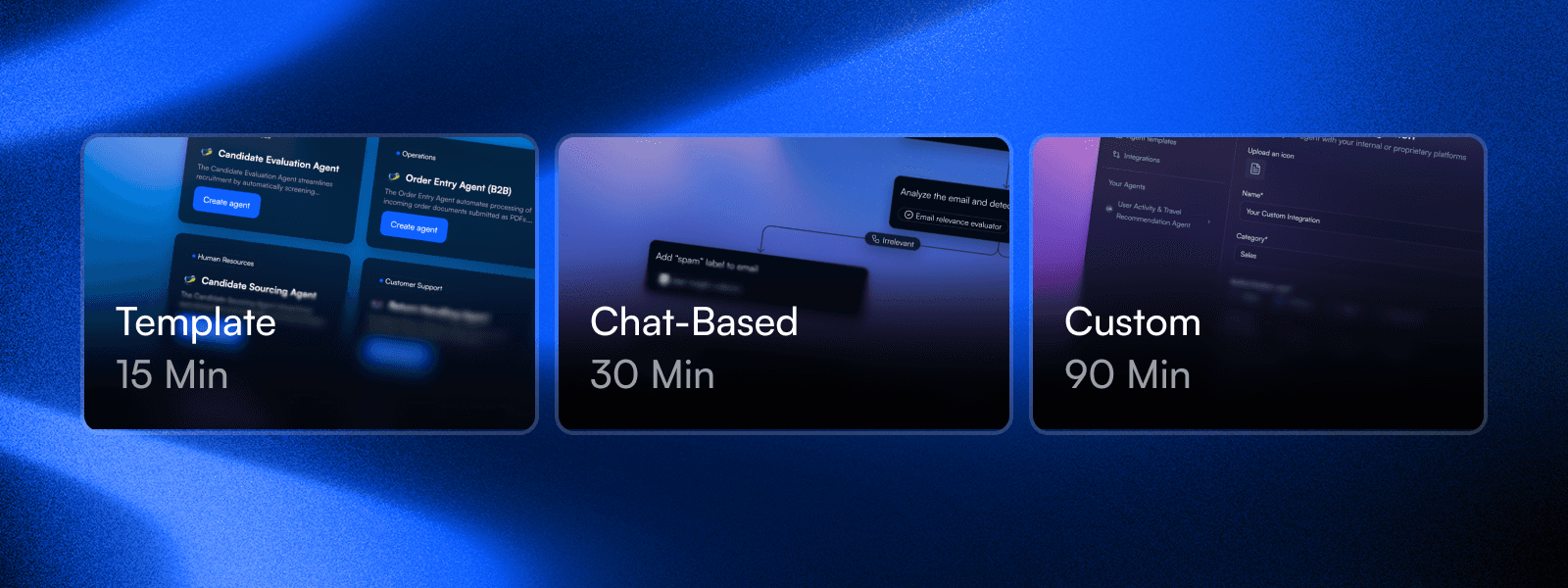
Three paths to production
Template: 15 minutes. Chat-based: 30 minutes. Custom: 90 minutes. Pick based on your needs. All three produce production-ready agents, not demos.
View details
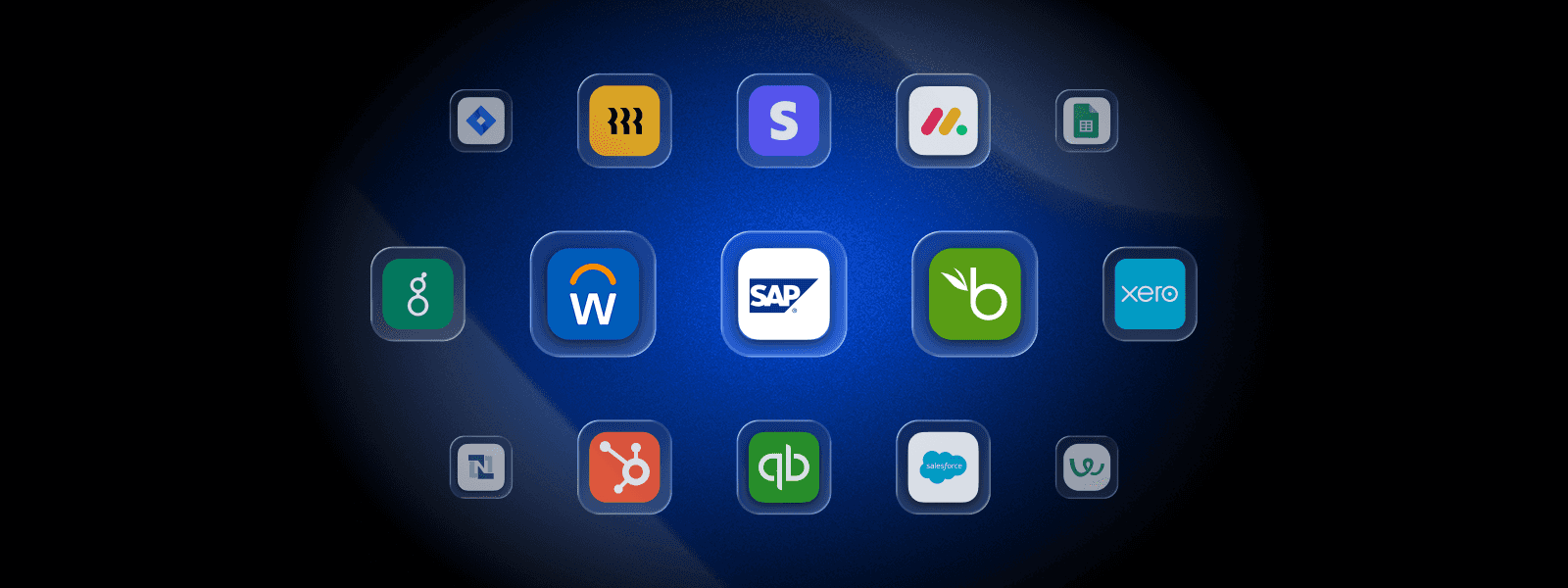
1500+ integrations ready to use
SAP, Oracle, Salesforce, Workday. Already built. OAuth configured. Error handling included. Connect to your systems in clicks, not sprints.

View details
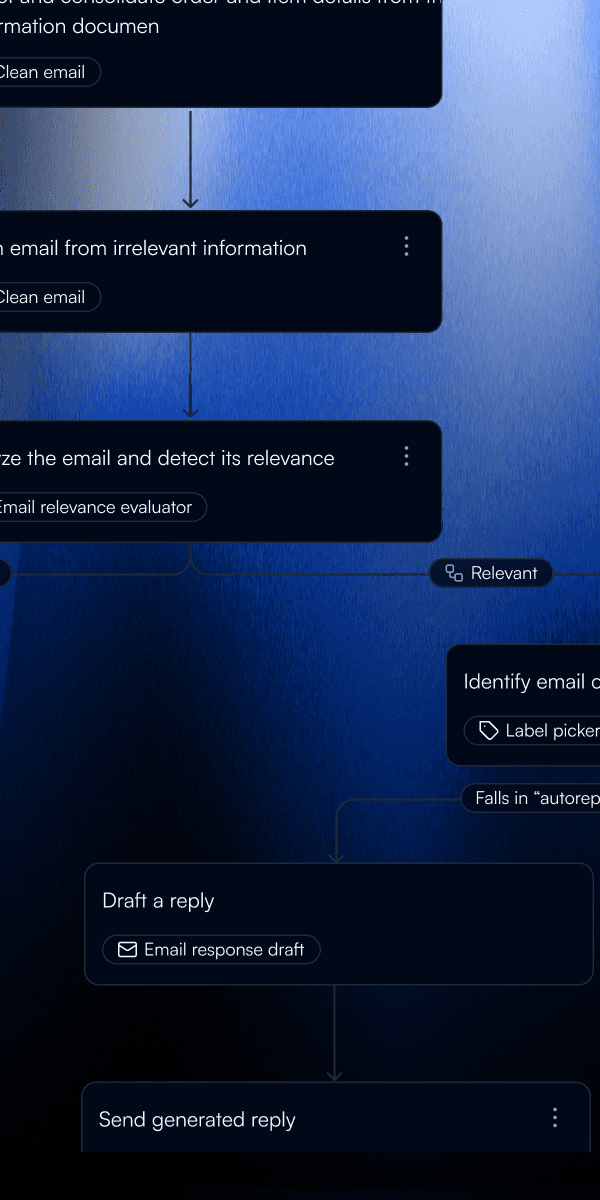
Build workflows visually
Drag nodes. Connect them. Configure parameters. See changes in real-time. No code syntax, real logic. Business users build what they need without waiting for engineering.
View details
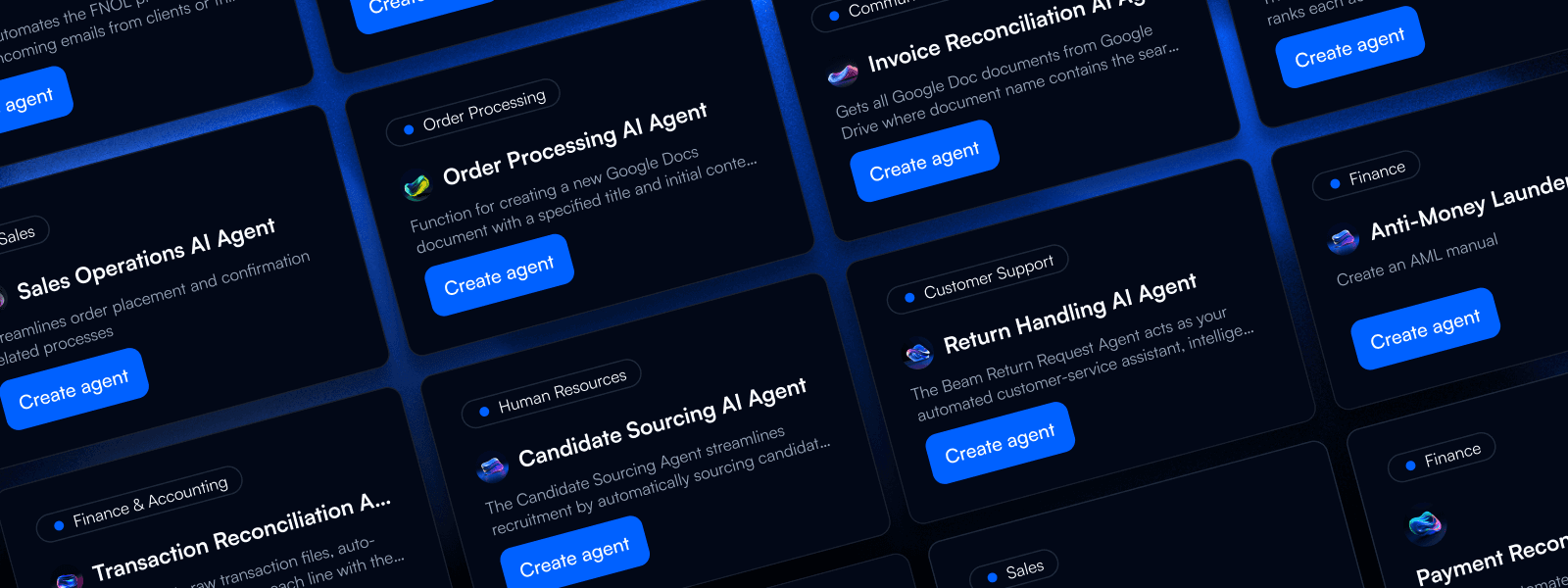
Start from proven templates
Customer service. Email triage. Invoice processing. Data extraction. Start from what works, customize for your needs. Don't reinvent workflows that already exist.
View details
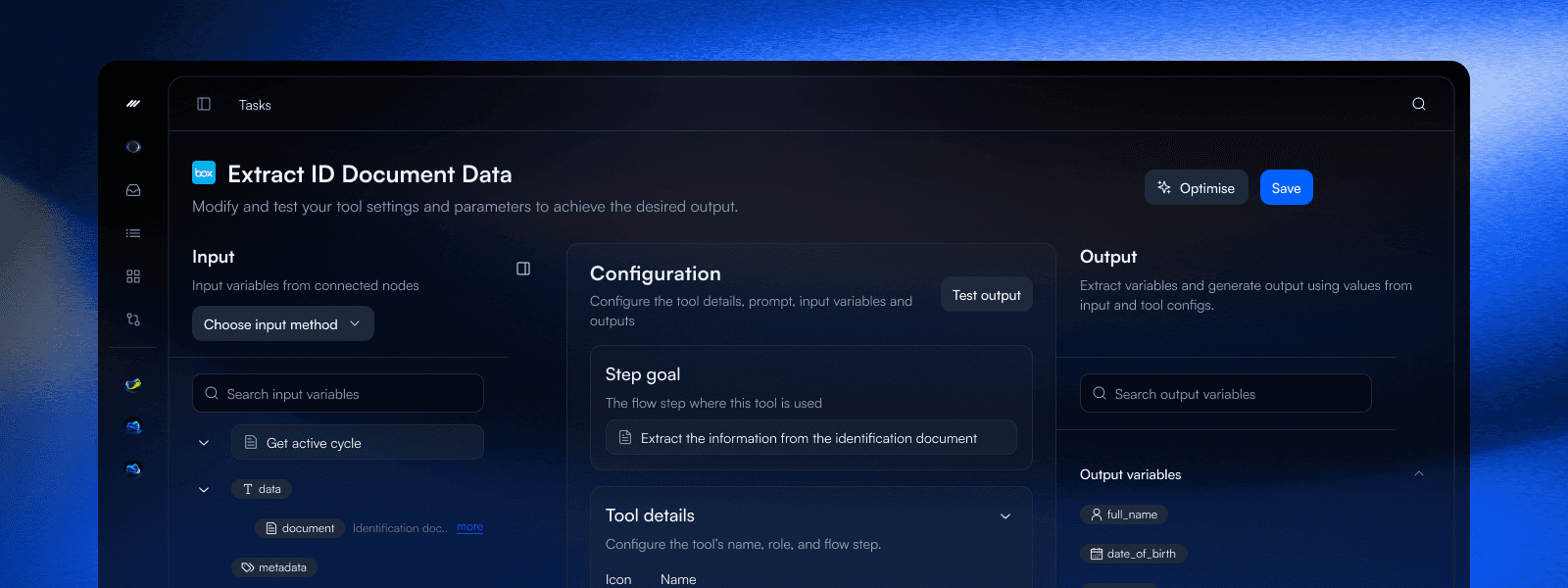
Test with real data first
Run with real data before deploying. See exactly what happens at each step. Catch problems before production. Iterate in minutes, not deployment cycles.
View details
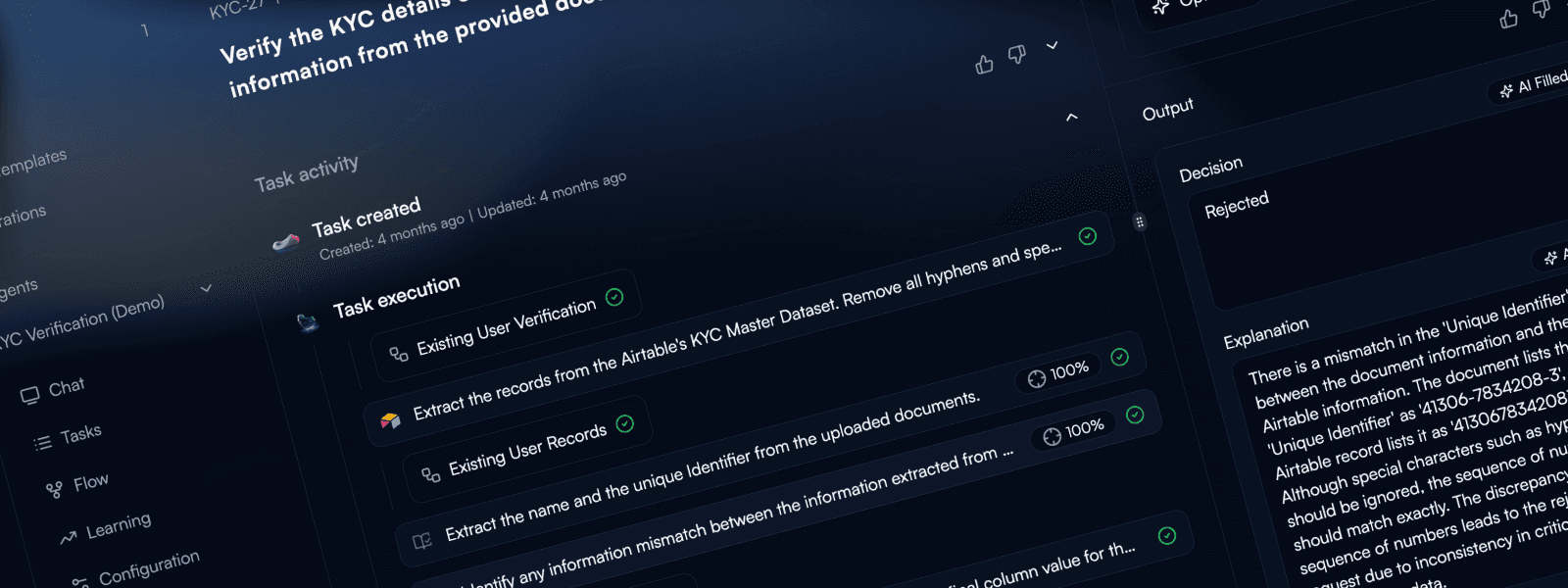
Debug failures in seconds
Failure? Click to see exactly where and why. Input data, output data, error message. All visible. Fix and rerun from that step. What used to take hours takes seconds.
View details
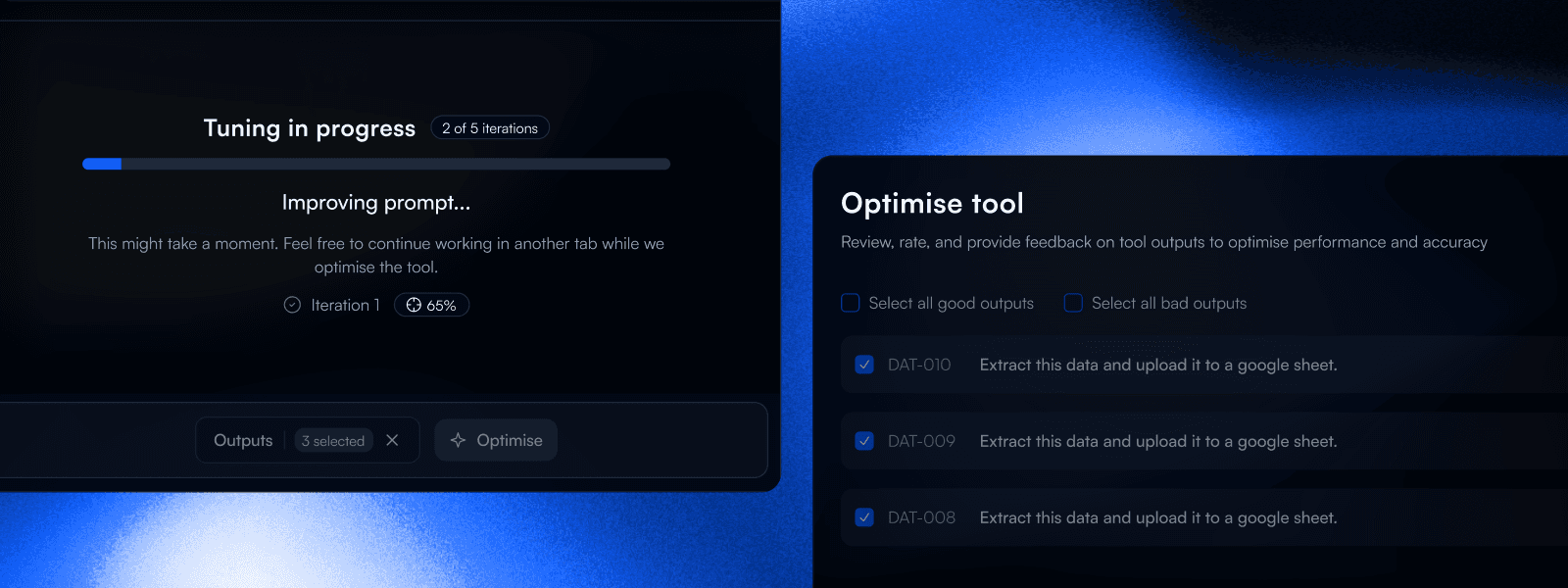
Agents that learn from every interaction
Mark what went wrong, get a better prompt in 30 seconds. 5% accuracy to 100% without manual work. The core differentiator: agents that improve themselves.
View details
Deploy with one click
Build to Test to Publish. API endpoint generated automatically. No separate deployment pipeline. Same interface for build and monitor. Ship faster.

View details
Three ways to create to match your needs
Templates (5-15 minutes): Pre-configured agents for common use cases. Customer service, email triage, data extraction, invoice processing. Clone, customize trigger and integrations, deploy. Fastest path to production. Chat-based (15-30 minutes): Describe what you want. AI generates workflow structure and suggests tools. Best for clear requirements when you want quick setup. Custom (30-90 minutes): Empty canvas, full control. Build node by node for unique workflows and precise requirements. Best for advanced users with specific needs.
Templates: 5-15 minutes to production
Chat-based: AI generates workflow from description
Custom: Full control for complex requirements
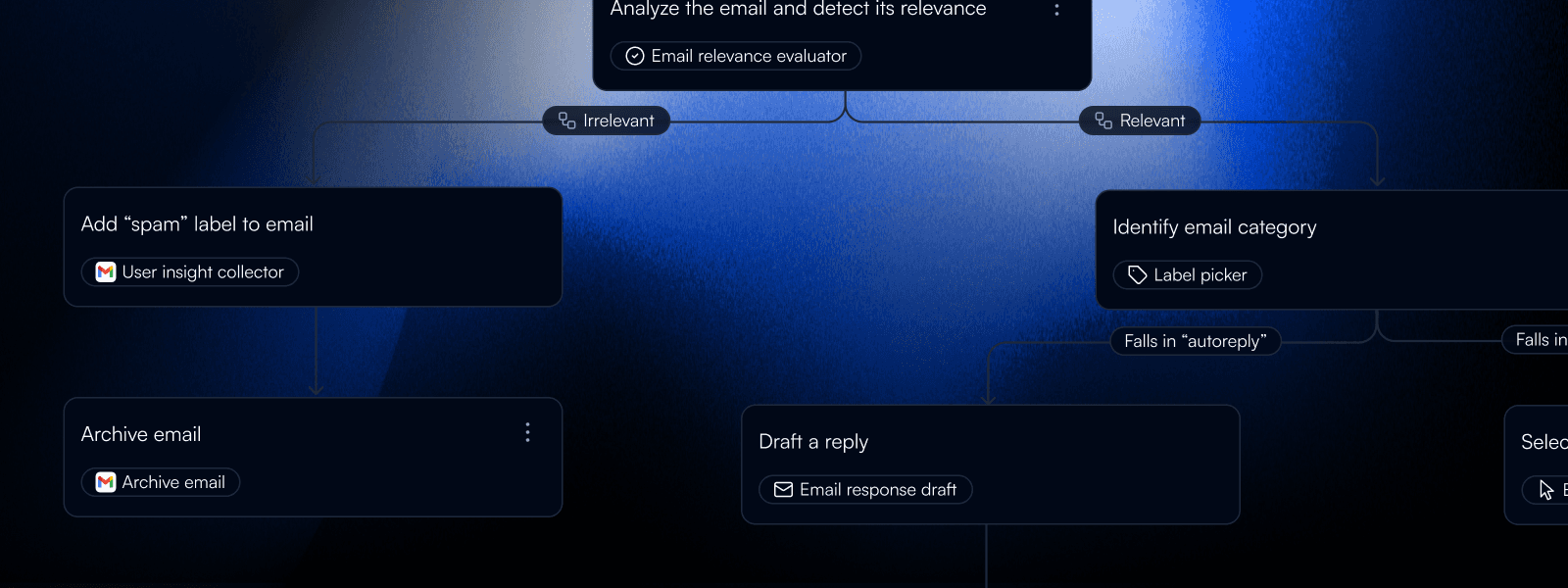
Visual flow builder with logic, no code
Click + to add nodes. Draw connections between them. Configure parameters in side panels. See the graph update in real-time. No programming syntax to learn, but the logic is real. Branching, loops, conditions, parallel execution. Business users build workflows they understand, without waiting for engineering sprints to implement.
Drag-and-drop node placement
Visual connections and real-time updates
Branching, loops, parallel execution
1500+ connectors with integration ready
Browse the integration catalog. Select SAP, Salesforce, Oracle, Workday, Gmail, Slack. 1500+ options. Authenticate once with OAuth. Browse available actions per integration. Drop into your workflow. Error handling, rate limiting, retry logic. All built in. Build agents that connect to your real systems, not just demo APIs.
1500+ pre-built connectors
OAuth and API key authentication
Error handling and retry built-in
Template library to start from what works
Pre-configured agents for common enterprise workflows: Customer Service (automated responses, knowledge base integration), Email Triage (classification, routing, priority assignment), Data Extraction (document parsing, format standardization), Invoice Processing (reconciliation, matching, notification), Insurance Claims (intake, processing, routing). Each template includes OAuth setup, trigger configuration, workflow structure, and customization points documented.
Customer service, email triage, data extraction
Invoice processing, insurance claims
Pre-configured OAuth and triggers
Test environment to catch problems early
Click "Create Task" and provide test input. Watch execution flow through nodes in real-time. Inspect outputs at each step. See exactly what data passed between nodes. If something fails, the trace shows exactly where. Adjust parameters, fix issues, run again. No waiting for deployment cycles. Test with mock data or connect to test instances of your integrations.
Execute from builder with test inputs
Node-level output inspection
Iterate in minutes, not deployment cycles
Debug tools for fast fixes
When agents fail, see exactly where. Click any task to see the complete execution trace. Every node's status, duration, and output. Click a failed node to view error message, input data, and what it tried to do. Common errors diagnosed: data format issues, missing fields, auth failures, timeouts. Fix the problem, rerun from that step, not from the beginning. What used to take hours of log diving now takes seconds.
Step-by-step execution logs
Node-level error identification
Rerun from any step
Learning Hub for AI-powered improvement
Open "Learning" to see accuracy scores for every tool. Tools below 90% threshold are highlighted. Click "Optimize." AI analyzes failures, identifies patterns, rewrites prompts with clearer instructions. Validation testing automatically retests new prompts against failed cases before you deploy. Result: 5% accuracy tools become 100% accuracy tools in about 30 seconds. No manual prompt engineering.
Per-tool accuracy tracking
AI-powered prompt optimization
Validation testing before deploy
One-click publish to ship the same day
Click "Publish" and your agent is live. API endpoint generated automatically: `https://app.beam.ai/public/chat/{agent-id}`. No separate deployment pipeline. No DevOps tickets. Same interface for build and monitor. See executions, track errors, check accuracy. When you update the agent, publish again. Changes go live immediately.
One-click deployment
Auto-generated API endpoint
Monitoring in same interface