By submitting, you consent to our use of your data. Privacy Policy.
Category
Professional Services
Built by
Beam.ai
QuickBooks Time is a workforce time-tracking platform for workforce operations teams, organized around timesheets, users, jobs, and teams. The vendor documentation defines the resource model and required permissions. Keep the record useful to the recruiter or people-operations owner; leave judgment-heavy decisions with a person. Use the Beam catalogue entry as a starting point, then confirm connector actions and event coverage before rollout

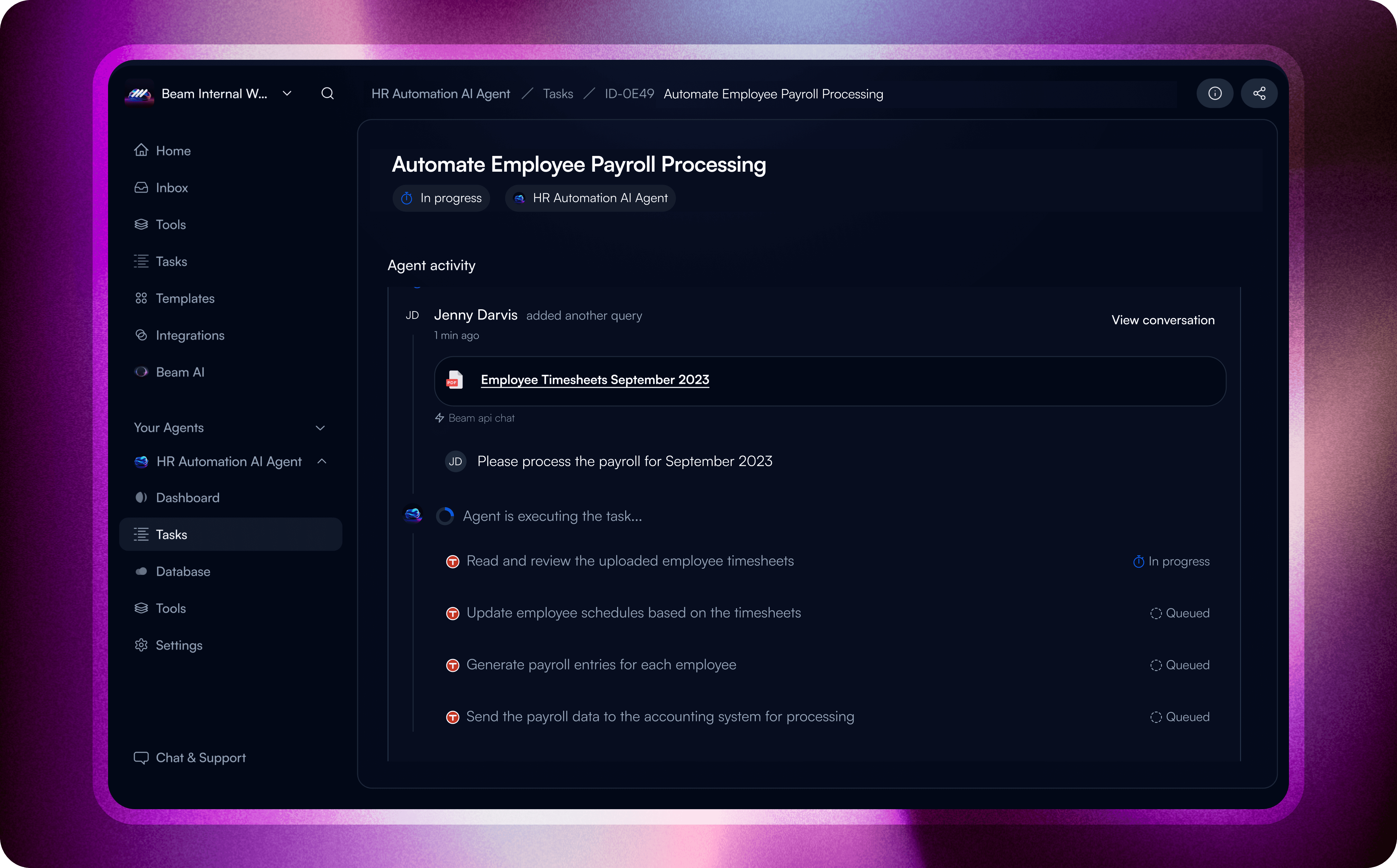
What to connect: QuickBooks Time
The useful question is not whether QuickBooks Time can be automated in the abstract. It is which timesheets, users, jobs, and teams matter to workforce operations teams, which fields are authoritative, and where a person should review the result. For QuickBooks Time, timesheet, job, user, and team context should lead to a named workforce-operations review
Where Beam fits
Start by writing the handoff in plain language: what changes in QuickBooks Time, what Beam is allowed to prepare, and who signs off. Verify the event, fields, and return path before treating the workflow as available
A narrow pilot to validate
If a timesheet record is created, updated, or ready for review, first establish which timesheet fields are authoritative. Let Beam prepare the next step for review, then test whether the connector can record the approved result.
For handoffs involving timesheets and users, define what counts as complete and what should stop the workflow. Do not infer either rule from a category label.
Operational value
A workflow boundary that is small enough to test.
Clearer separation between source data, Beam reasoning, and the final action.
An explicit exception path for cases outside the documented rule.
Before you build
Check the connector's available read, write, search, notification, and event operations for your Beam workspace. Confirm the vendor authentication method, required scopes, plan limits, and any approval requirements. Treat the two workflow patterns above as designs to validate, not promises of universal coverage.