
By submitting, you consent to our use of your data. Privacy Policy.
Category
IT & Software
Built by
Beam.ai
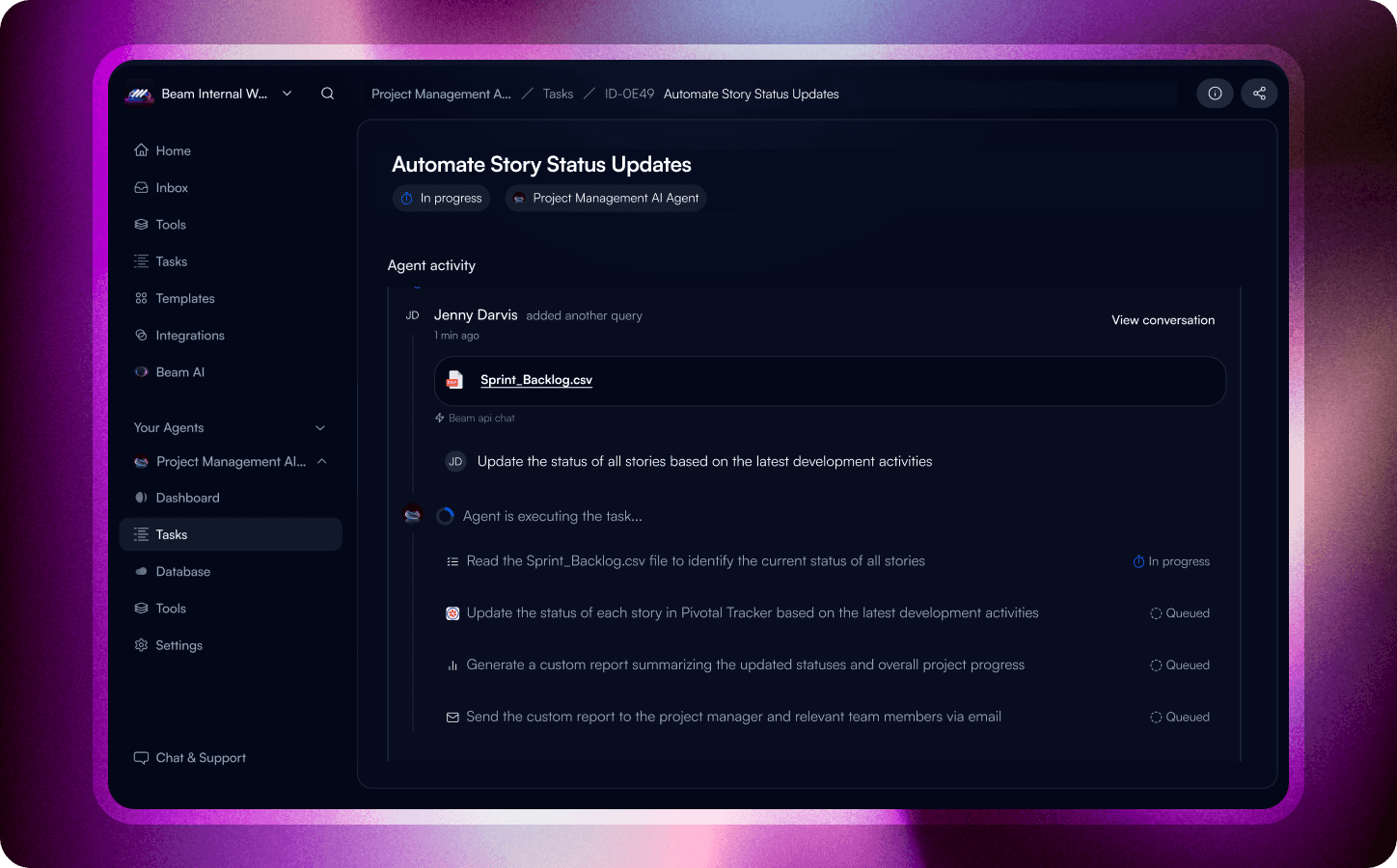
Pivotal Tracker is a project management platform for software and product teams, organized around projects, stories, epics, labels, and members. The vendor documentation defines the resource model and required permissions. Make the state change and supporting evidence visible to the technical owner before any write-back is allowed. Use the Beam catalogue entry as a starting point, then confirm connector actions and event coverage before rollout

The useful starting point: Pivotal Tracker
Pivotal Tracker gives software and product teams a structured way to manage projects, stories, epics, labels, and members. For Beam, the starting point is a narrow, reviewable handoff rather than a promise to manage the whole process. For Pivotal Tracker, story and iteration state should point to the delivery owner and the next reviewable action
How the workflow should behave
Use the product record as context, not as permission. Establish how the project enters review, what information Beam receives, and where the result is stored. Stop when the connector or account cannot support the documented rule
Examples for review
A sensible pilot begins when a project record is created, updated, or ready for review. Confirm the source record, required fields, and human owner before asking Beam to prepare any downstream action.
Once the pilot is understood, test a second path for project exceptions; keep the write-back operation narrowly scoped until it is verified.
Operational value
A concrete first use case for the product's documented resources.
Better visibility into the fields and permissions a workflow actually needs.
A rollout that preserves human judgment where the source does not define the answer.
Before you build
Check the connector's available read, write, search, notification, and event operations for your Beam workspace. Confirm the vendor authentication method, required scopes, plan limits, and any approval requirements. Treat the two workflow patterns above as designs to validate, not promises of universal coverage.






