
By submitting, you consent to our use of your data. Privacy Policy.
Category
Communication
Built by
Beam.ai
Gmail AI Integration is a communication platform used by teams managing high-volume email to manage messages, threads, labels, attachments, and drafts. Beam agents can read those records, apply an approved rule, create or update the next record, and route exceptions for review. Start with an event such as a message arrives or a thread needs follow-up, then confirm account permissions and connector availability before moving it into production

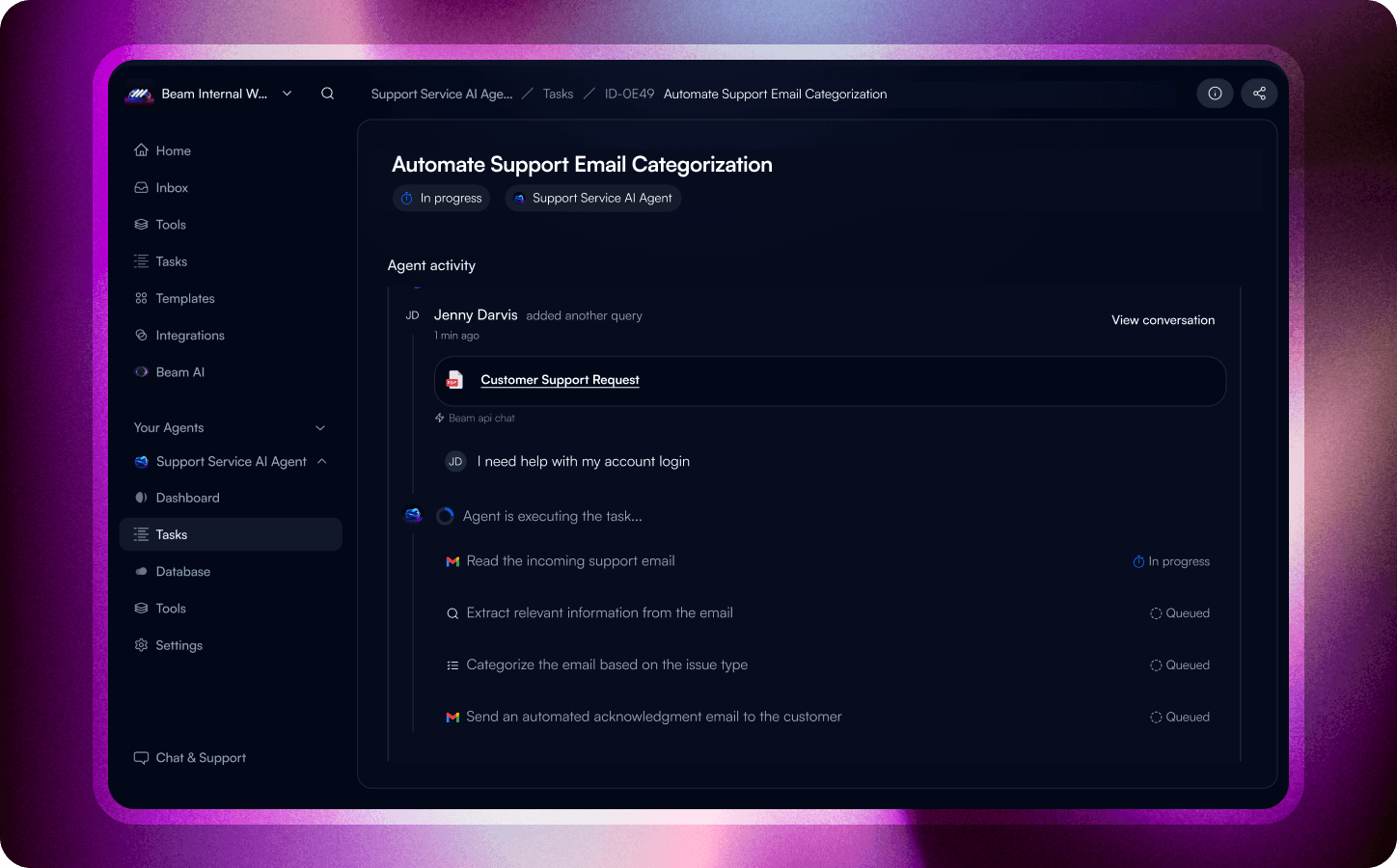
What the Gmail AI Integration integration does
Gmail AI Integration is a communication platform used by teams managing high-volume email to manage messages, threads, labels, attachments, and drafts. In Beam, it becomes a controlled action point: agents can retrieve the context they need, make an approved update, and hand unusual cases to a person. The exact objects and permissions depend on the connector configuration, so use the capability evidence in the migration record when defining a workflow.
How Beam agents use Gmail AI Integration
A workflow starts with an event such as a message arrives or a thread needs follow-up. The agent checks messages, threads, labels, attachments, and drafts in Gmail AI Integration, applies the workflow rule, performs the permitted update, and records the result. If the data is incomplete or the requested action falls outside the connector's permissions, the agent routes the case for review instead of guessing.
Example workflows
When a message arrives or a thread needs follow-up, a Beam agent reads messages, threads, labels, attachments, and drafts in Gmail AI Integration, updates the next record, and routes exceptions to the responsible owner.
When a workflow request arrives, a Beam agent retrieves messages, threads, labels, attachments, and drafts from Gmail AI Integration, applies the agreed rule, and records the outcome for teams managing high-volume email.
After a status, approval, or delivery event changes, a Beam agent checks messages, threads, labels, attachments, and drafts in Gmail AI Integration, sends the next notification, and leaves an auditable handoff.
Operational value
Fewer manual handoffs between Gmail AI Integration and the systems around it.
A clearer audit trail for messages, threads, labels, attachments, and drafts and exception handling.
More consistent movement from a message arrives or a thread needs follow-up to the next owner or system.
Before you build
Confirm the supported messages, threads, labels, attachments, and drafts, authentication scopes, and availability for your Beam workspace. Keep exception handling explicit: the agent should pause and route a case when required data or permissions are missing.