
By submitting, you consent to our use of your data. Privacy Policy.
Category
Entertainment & Media
Built by
Beam.ai
YouTube is a video platform for content and media teams, organized around channels, videos, comments, playlists, and analytics. The vendor documentation defines the resource model and required permissions. Tie the signal to a named campaign, audience, report, or owner instead of treating activity as an outcome. Use the Beam catalogue entry as a starting point, then confirm connector actions and event coverage before rollout
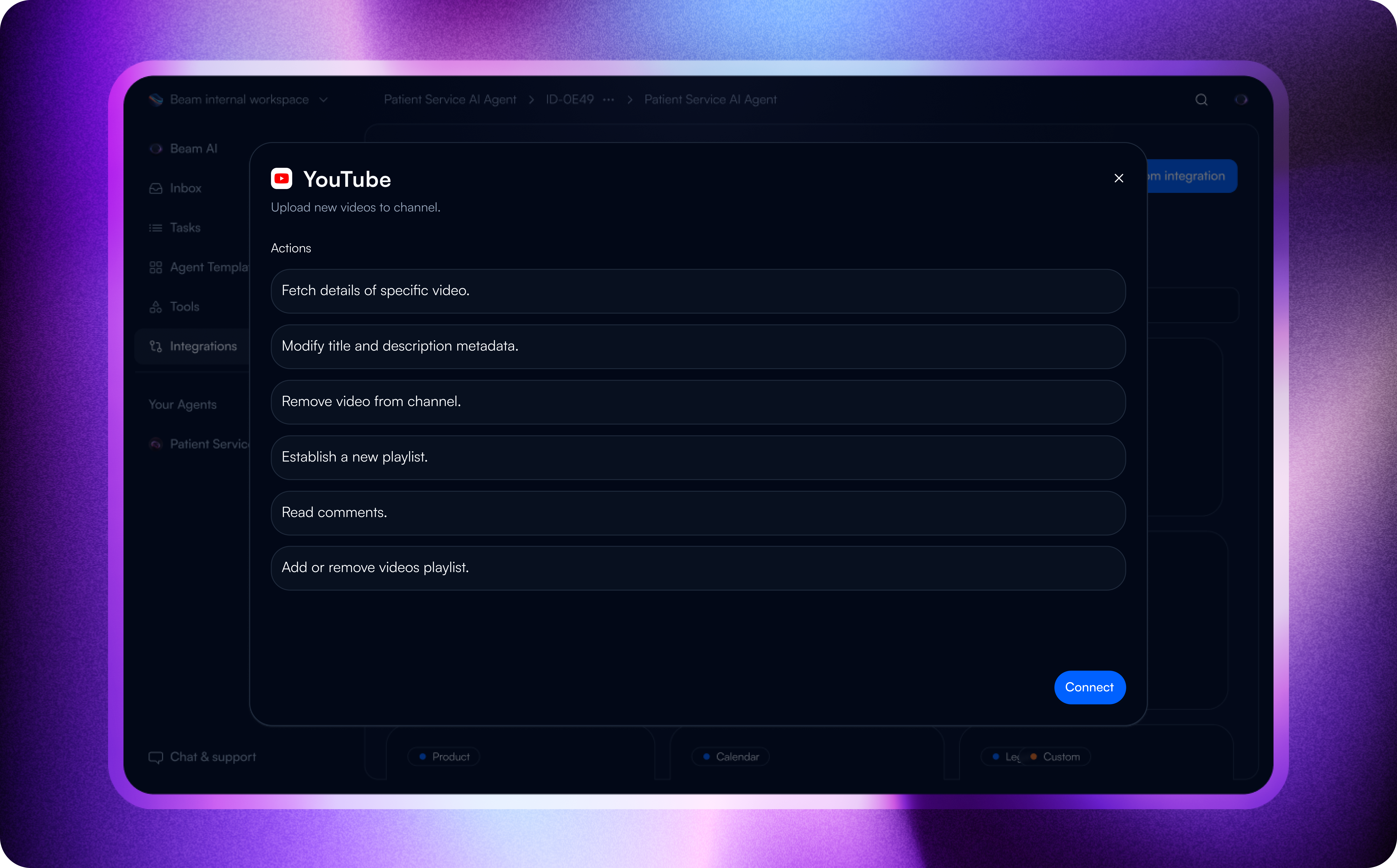

The product context: YouTube
Teams use YouTube, a video platform, to work with channels, videos, comments, playlists, and analytics. The vendor documentation provides the resource model; the workflow still needs a clear owner, a defined decision, and a tested exception path. For YouTube, separate channel, video, comment, and analytics context before defining a content workflow
How to frame the handoff
The first build should have a small boundary: one channel, one owner, and one approved next action. Test the event and field mapping with representative data, then decide whether the connector's permissions are sufficient for a write-back
Two patterns worth testing
Use a channel record is created, updated, or ready for review as a proposed entry point. Pass only the context needed for the decision, record the outcome, and keep an exception route for the responsible content and media team owner.
A second pattern is to review channel changes in batches. Confirm filtering, permissions, and the permitted next action before testing it with representative data.
Operational value
Less ambiguity about which record starts the process.
A handoff that can be reviewed by the person accountable for the result.
A deliberate place to stop when permissions or data are incomplete.
Before you build
Check the connector's available read, write, search, notification, and event operations for your Beam workspace. Confirm the vendor authentication method, required scopes, plan limits, and any approval requirements. Treat the two workflow patterns above as designs to validate, not promises of universal coverage.






