Platform
Beam AI vs Lindy

Choosing between developer-first tools and a full agentic platform comes down to how quickly—and safely—you can put automation into production. This guide compares Beam AI vs Lindy across capabilities, time-to-first-deployment, integrations, and security/compliance. Read about pricing so you, as a founder and operator, can match the platform to your teams workflows rather than the other way around.
Comparison
What Each Platform Delivers
Both work with AI, and both assist you with tasks. But what are the key differences?
Lindy: Lindy is an AI agent platform with a visual flow editor, templates, and a credit-based usage model. It emphasizes fast setup, broad app integrations, and built-in observability for tasks and automatic agent runs.
Beam AI: Beam AI is an agentic platform built for running production-grade AI agents and end-to-end—designing flows. It integrates systems while simultaneously deploying, monitoring, and continuously improving your agents. Beam’s AI Agents supply you with industry and function-specific templates that accelerate delivery and shipment.
Capabilities
Capabilities Of Both Platforms
Below we evaluate core capabilities that matter when you’re moving from experiments to durable automation.
Building and Operating AI
With Lindy, teams use a no-code flow builder with triggers, actions, agent steps, and memory to automate across tools. It provides a quick start option as well.
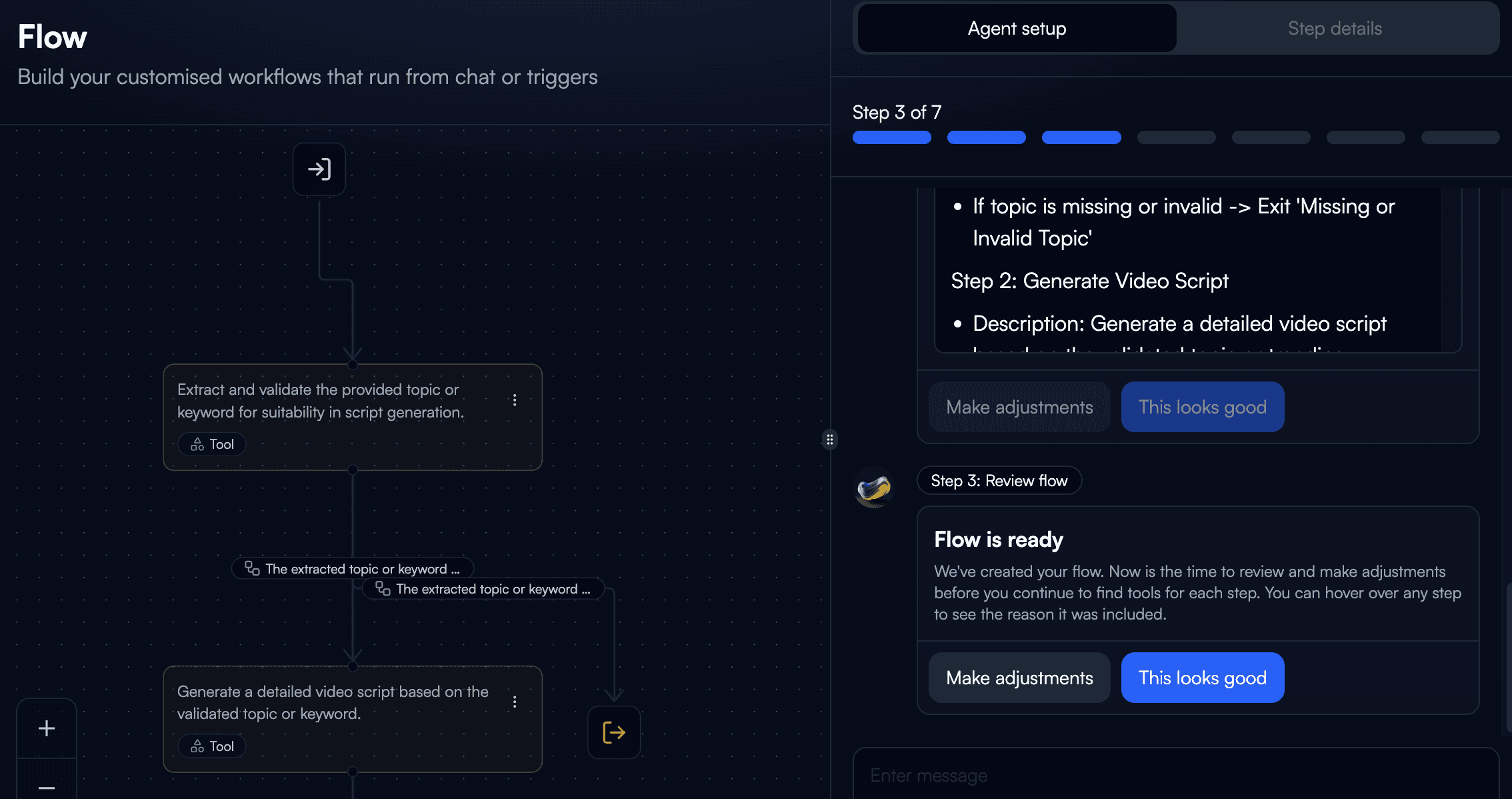
Using Beam AI, teams can start from AI Agent templates or build custom flows in Beam Studio, then configure tools, nodes, and triggers. Beam’s Academy docs cover creating, managing, and optimizing agents for production workloads.
Improvement over Time
Lindy offers built-in observability and offline evals for regression checks on historical tasks. This supports iterative tuning, though scoring isn’t real-time.
Meanwhile, Beam provides an evaluation framework (testing datasets, accuracy scoring, expected outputs) and step-level results to analyze underperforming workflows—useful for governed, continuous improvement.

Integrations and Ecosystem
Lindy’s public integrations directory lists popular systems like Google Sheets, Gmail, Slack, HubSpot, Airtable, Salesforce, and more.
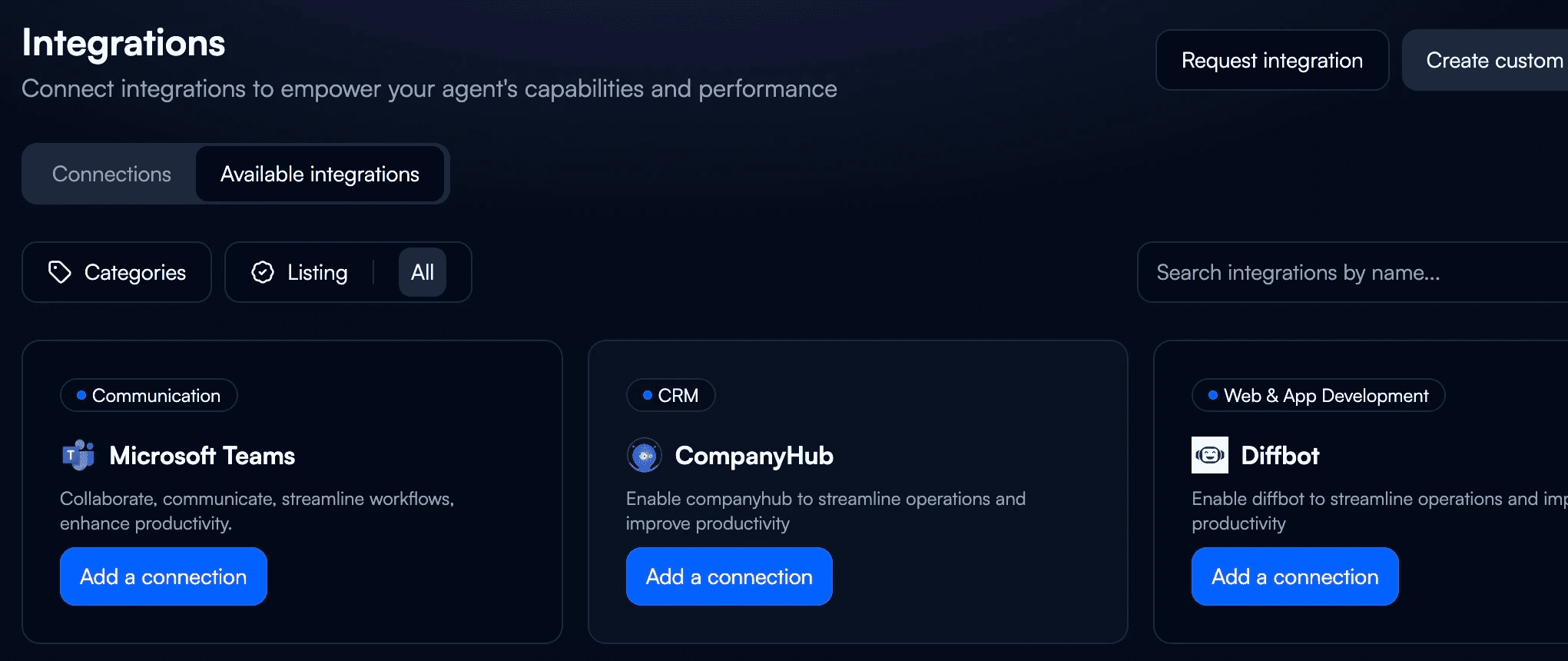
Managed connectors provided by Beam include Salesforce, Gmail, Slack, Jira and many others, plus dedicated integration pages (e.g., Slack, Salesforce) for agent access to enterprise data and actions.
Time to First Deployment
“Build in minutes” provided by Lindy, is supported by quickstart docs and templated use cases. The free tier includes 400 free credits/tasks to try agents before scaling.
With Beam, you can choose from 100+ ready-to-deploy AI Agent templates (depending on team needs/industry). They help your teams reach working flows quickly—often by adapting a template rather than starting from zero. Before committing, you can also give Beam’s demo a try.

Security and Compliance
Lindy advertises GDPR, SOC 2, HIPAA, and PIPEDA “Compliant” badges, with a Security/Trust Center for details. Enterprises should validate the scope individually.
Beam centralizes oversight with enterprise-grade controls and public documentation covering SOC 2 Type II, GDPR, and HIPAA practices, plus encryption and incident protocols. It provides you and your team with consequential security across your tasks.

Pricing
Pricing Overview: Beam AI vs Lindy
Beam and Lindy use different pricing approaches. Here's a quick overview:
Lindy: Uses a credit-based model (free 400 credits/tasks listed publicly). Details for paid tiers are routed via sales.
Beam AI: Pricing is typically custom and value-based—aligned to your use case, workload, integrations, and compliance needs rather than a one-size-fits-all tier. Third-party overviews also describe Beam’s customized quotes model. Keep specifics high-level and confirm with Beam during scoping.
Usage
Pay according to the number of tokens you consume; makes it easy to scale usage.

Custom
Know your usage, task frequency and volume? Create your bespoke plan with our help..

Comparison
Making the Call: Best Fit by Use Case
Still not sure about your decision? Here's a quick rundown:
Choose Lindy if you want a no-code builder with fast prototyping, broad out-of-the-box integrations, and basic observability/evals to iterate quickly on departmental automations.Choose Beam AI if you need an agentic platform designed for production: governance, evaluation frameworks, and managed connectors for mission-critical operations across finance, support, insurance, healthcare, and more—plus a deep catalog of industry-ready templates to speed up delivery.